Features

What Book2Life does

An ebook reader that illustrates the story as you read, reads it aloud, explains the hard parts and keeps you coming back. Here is all of it, in the app and on the web.

See the story

Scenes, places and faces appear as you read, right where they happen in the text.

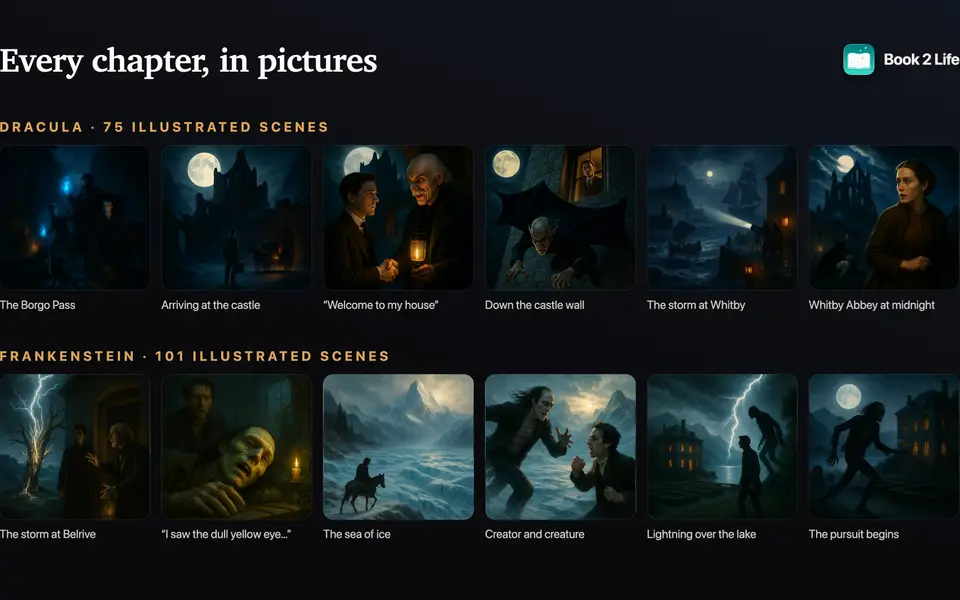
A storyboard of illustrated scenes from Dracula and Frankenstein

Every chapter, illustrated

Book2Life reads ahead and turns each chapter into a storyboard: the key moments painted and placed beside the passage they come from.

  • Pictures are made in the background while you read
  • Setting shots show the places between the action
  • Four styles: Realistic, Cartoon, Animated and Pixar-style 3D
  • Free: a scene and a setting per chapter. Premium: all of them
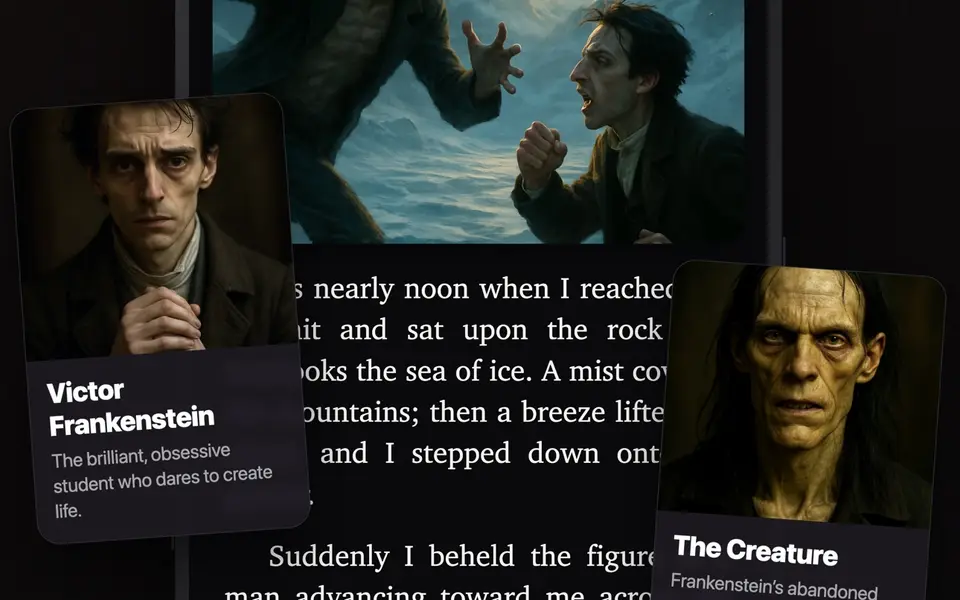
Portraits of Victor Frankenstein and the Creature over the page

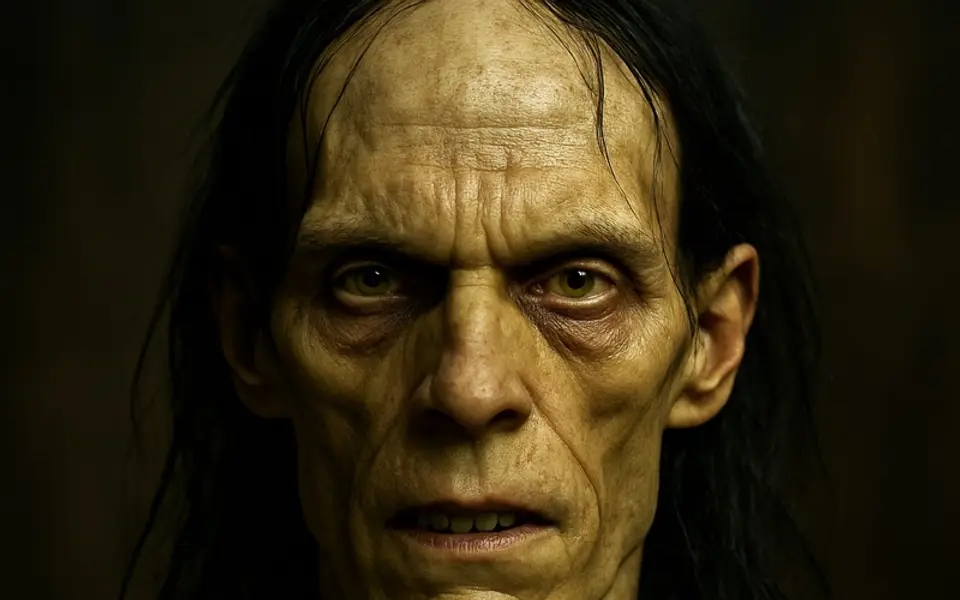
A face for every name

Each named character gets a portrait drawn from the author's own description, with a short note on who they are.

  • Tap a highlighted name in the text to see who it is
  • Browse the whole cast from the book's details
A portrait of Frankenstein's Creature

Picture it your way

See a character differently? Describe them and Book2Life redraws the portrait, and their scenes follow your version.

  • Your look is yours alone; other readers keep theirs
  • Change it again any time
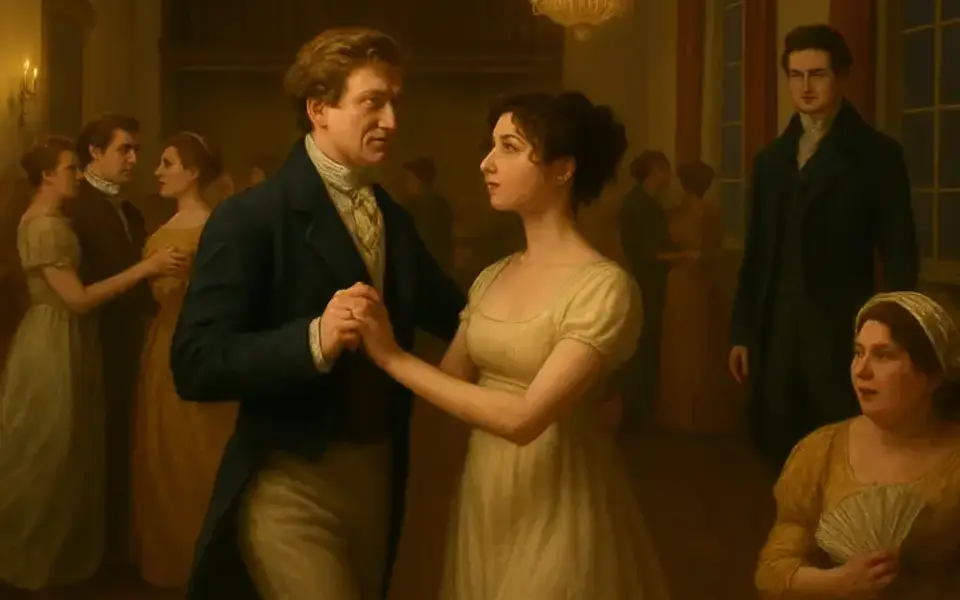
An illustrated ballroom scene from Pride and Prejudice

Create a scene

Choose a moment and illustrate it: any passage you select, or one of the scenes suggested from the pages you just read.

  • Select text and tap Visualize
  • Or open Create a Scene from the Genie menu

Image Creator

Premium

Compose your own scene: pick characters from the book, describe the moment, and Book2Life paints it, with ideas drawn from what you've already read.

  • Save your creations with the book
  • Add any of them to your profile

Bring your own images

Premium

Have a picture in mind already? Add your own art from Photos or Files for a character, a place or an object, and it takes the AI version's place in your book.

  • Characters, plus a Places & Things tab beside the cast
  • Swap back to the AI picture any time

Every picture, spoiler-safe

Each book keeps its scenes, settings and your creations in one library, grouped by chapter, and pictures from pages you haven't reached stay behind a curtain.

  • The book's own illustrations open full screen to zoom and pan
  • A cinematic opening: the cover grows to fill the screen and fades into your latest scene

Covers that move

Premium

Bring a book's AI cover to life as a short animated loop that plays in your library and in Discover.

  • Everyone sees animated covers
  • Premium readers can animate one

Hear it

Switch from reading to listening without losing your place.

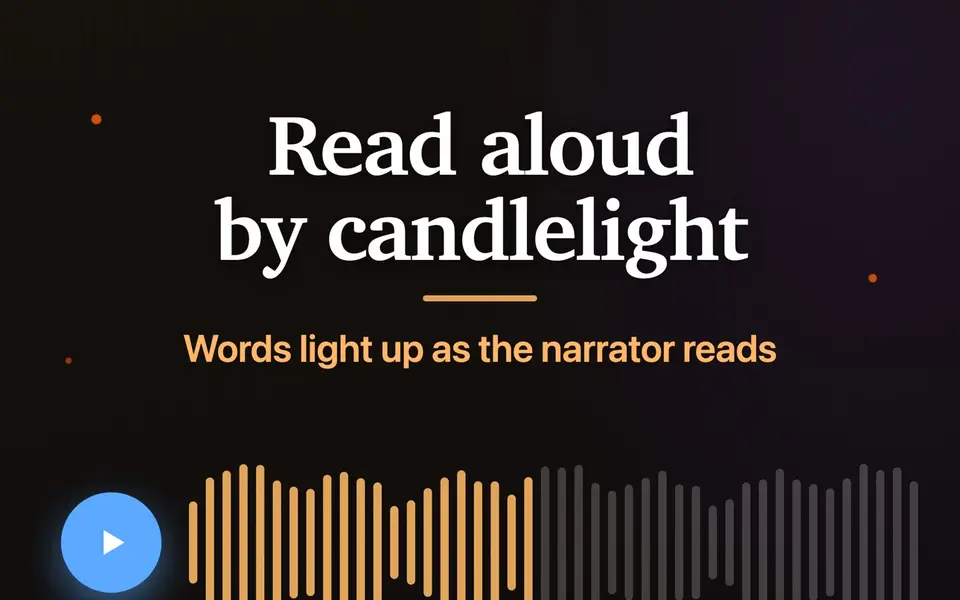
Narration controls with a waveform: read aloud by candlelight

Narration that follows along

Listen to any book while the words light up as they're read, in a natural AI voice, a voice generated right on your iPhone or iPad, or the free system voice.

  • Adjustable speed
  • Sleep timer: 15, 30 or 45 minutes, an hour, or the end of the chapter
  • Controls on the Lock Screen and in the Dynamic Island
  • AI voices: a few free pages a day, unlimited with Premium

Ambience

Premium

Rain, forest, ocean, a thunderstorm and dozens more soundscapes, mixed quietly under your reading or listening.

  • Match chapter picks a soundscape for the scene you're in
  • Plays under narration or on its own
  • Switch it off any time

Understand it

Help when a passage is dense, a chapter is long or it's been a while.

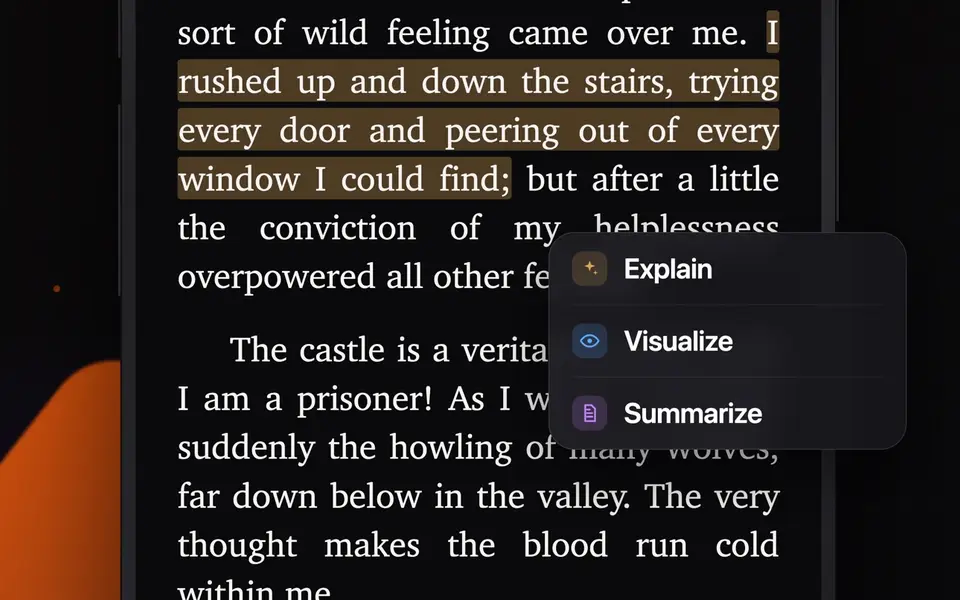
A highlighted passage in Dracula with Explain, Visualize and Summarize

Explain, visualize, summarize

Select any passage for a plain-English explanation, a picture of the moment, or a summary of what just happened.

  • Right from the selection menu, without leaving the page
  • Highlight in color and add notes, then review them all in one place

Ask the Book

Premium

Ask about a character, a plot point or an idea, and get an answer from the book that stops at the page you're on.

  • Spoiler-safe: it only knows what you've read
  • Works for fiction and nonfiction

Previously on…

Back after a break? The book opens with a short recap of where you left off, like the start of a TV episode.

  • Shown when you return to a book you've been away from
  • Earlier recaps stay with the book

Study guides

Chapter-by-chapter summaries and illustrated character pages for the classics.

  • In the app from a book's details
  • Free to read on book2.life too
Browse the classics →
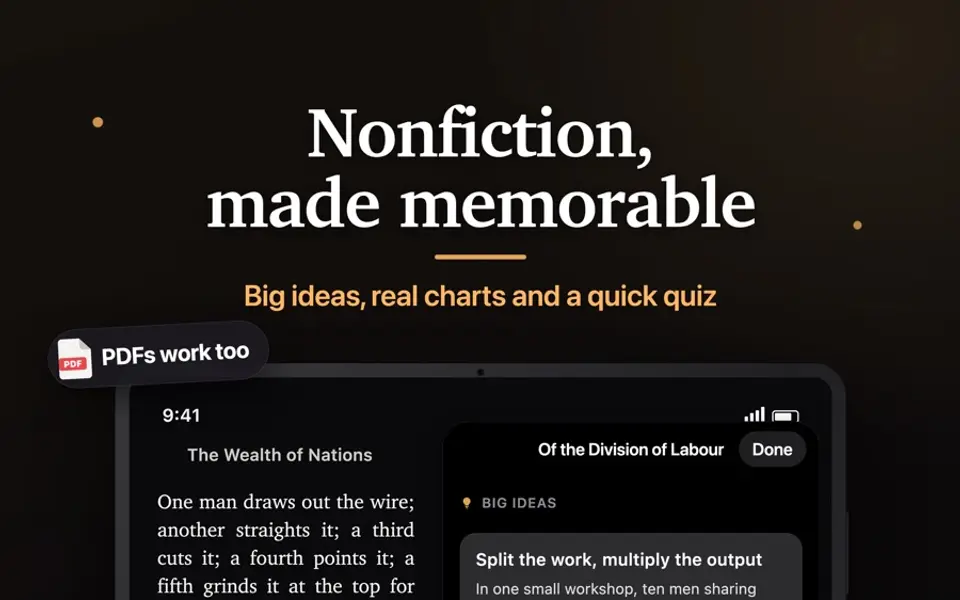
The Wealth of Nations with a big-ideas panel, a chart and a quiz

Nonfiction, made memorable

Bring your own EPUB or PDF. Nonfiction chapters get the big ideas, real charts and a quick quiz instead of scene art.

  • Big ideas from every chapter, each backed by a quote you can jump to
  • Charts drawn only from the numbers in the text
  • Key figures, concepts, events and places, plus a timeline, that grow as you read
  • Quiz yourself on a chapter to make it stick
  • PDFs are converted on your device
  • Fiction, nonfiction and memoir are told apart automatically

Make it a habit

Small nudges that add up to more reading.

Streaks and reminders

Keep a daily reading streak, and get a reminder to pick the book back up where you left off.

  • Reminders you choose, never a flood
  • Optionally reopen your last book when the app starts

Reading analytics

Time read, pages turned, your streak history and the genres you keep coming back to.

  • All in one screen, from Settings
  • Every book has its own page too: progress, pace, sessions, and every scene, highlight, note and recap

Book Lock

Lock distracting apps with Screen Time and earn them back by reading: read for a set time, get the same time back.

  • You pick the apps and the minutes
  • On iPhone, using Apple's Screen Time

Share it

Reading is better with other readers.

Your reader profile

Your own book2.life link: finished books with star ratings, what you're reading now, a Showcase of favorites and a gallery of your scenes.

  • Private until you make it public
  • Hide any book you'd rather keep to yourself
  • Share it as a link or a story-sized image

Finished-book stickers

Finish a book and it earns a sticker you can share or pin to your profile.

  • Earn reading badges and wear one as your profile picture

Find Readers

Search readers by username or name, browse their shelves and open any book they've read.

  • Report or block anyone, any time

Redeem a gift

Got a gift link or code? Open it, or enter the code in Settings, and the book lands straight in your library.

  • Works in the app and on book2.life

Read anywhere

Start on your phone, keep going on your iPad or in a browser.

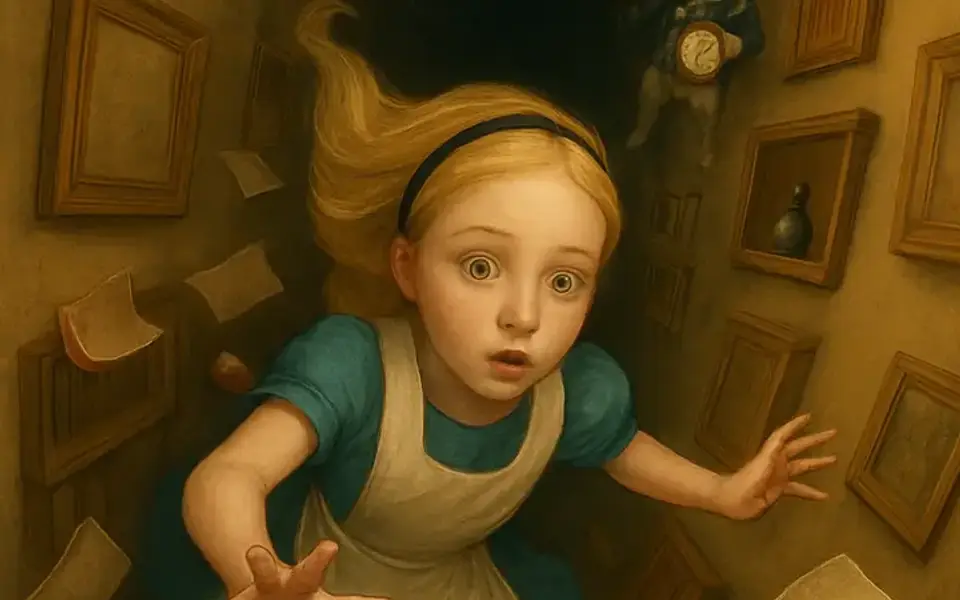
Alice falling down the rabbit hole, from Alice's Adventures in Wonderland

Free classics, and your own books

A curated shelf of public-domain classics, search thousands more free classics, or add your own EPUBs and PDFs.

  • Classics are free to read
  • Seasonal shelves, like Gothic Season
Read free classics →

iPhone, iPad, Mac, Android and the web

Your library, progress and favorites stay in sync between the apps and book2.life.

  • iPhone, iPad and Mac from the App Store
  • Android phones and tablets from Google Play
  • A two-page spread on iPad in landscape
  • Read in any browser at book2.life

A page that suits you

Choose the font, size, spacing and theme, with justified text and hyphenation if you like a printed look.

  • Show or hide pictures in the text
  • The app in 18 languages