Underneath, a reader that feels like a book. On top, three kinds of help, each aimed at a reason people put a book down: hear it, see it, understand it. Here is all of it, in the app and on the web.
The book
Reading on a phone usually feels like reading a website. Book2Life is laid out like print, so the help sits on top of a real book.
Pages that turn
Pages turn like paper, or slide if you prefer. Each one is laid out like print, with the pictures set into the page and nothing hidden below the fold.
Two facing pages when a tablet turns sideways
Pages left in the chapter as you read
A page that suits you
Choose the font, size, spacing and colors, with justified text and hyphenation if you like a printed look.
Show or hide pictures in the text, for one book or all of them
The app in 18 languages
Highlights and notes
Highlight in any color and add a note, then find them all in one place.
Synced between your devices and book2.life
Free classics, and your own books
A curated shelf of public-domain classics, search thousands more free classics, or add your own EPUBs and PDFs.
Your library, progress and favorites stay in sync between the apps and book2.life.
iPhone, iPad and Mac from the App Store
Android phones and tablets from Google Play
A two-page spread on iPad in landscape
Read in any browser at book2.life
Hear it
Read with your eyes and ears at once. When the same paragraph won't go in, or your eyes are done for the day, the voice keeps you moving.
A voice that reads along
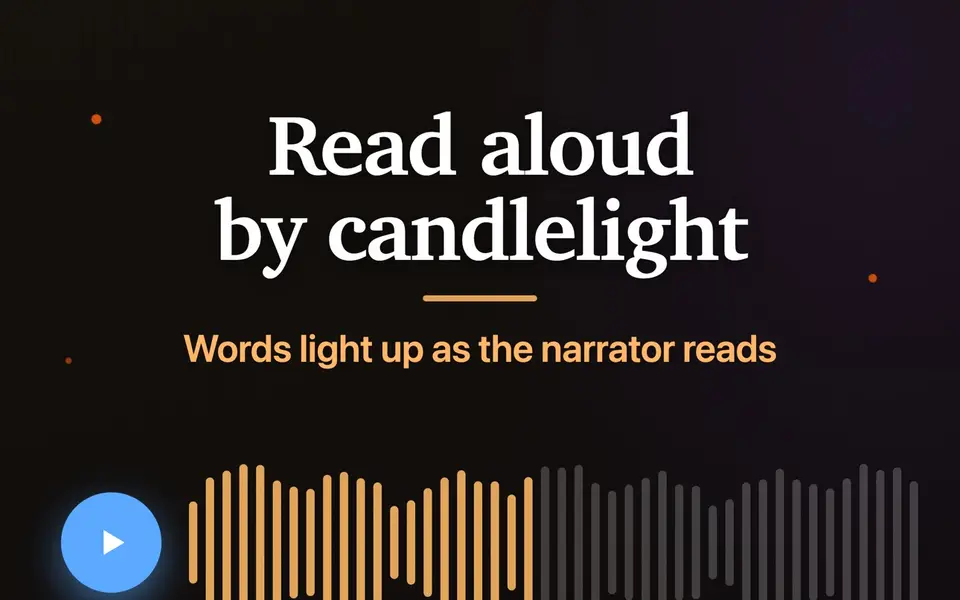
A voice reads aloud while each word lights up, so your eyes and ears stay on the same line. Look away and keep listening. It runs on your device, it's free, and it works offline once the voice is downloaded.
Adjustable speed
Sleep timer: 5, 15 or 30 minutes, 1 or 2 hours, or the end of the chapter
A cast of voices to choose from
Controls on the Lock Screen and in the Dynamic Island on iPhone
See it
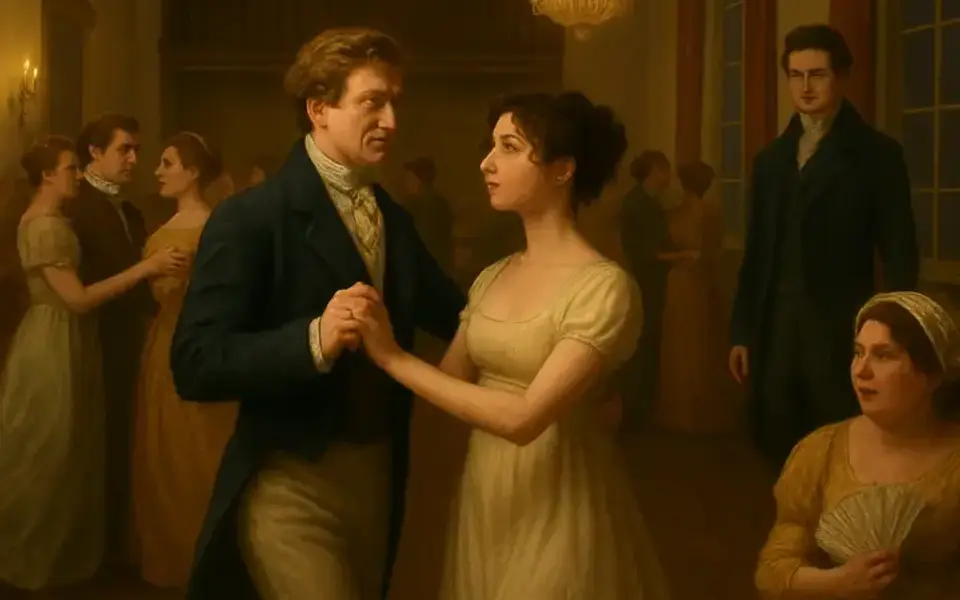
A face for every name. A picture of every place. So by chapter nine you still know who's who and where you are. The pictures are made with AI, and a real illustrator would do better. Their job is keeping track, and they switch off for any book.
A face for every name
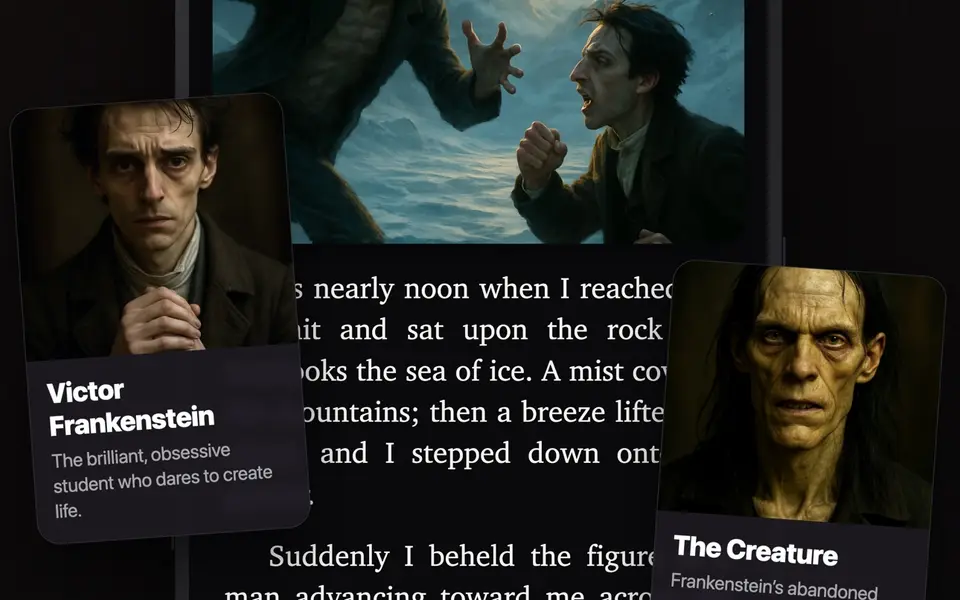
Each named character gets a portrait drawn from the author's own description, with a short note on who they are.
Tap a highlighted name in the text to see who it is
Browse the whole cast from the book's details
Every chapter, illustrated
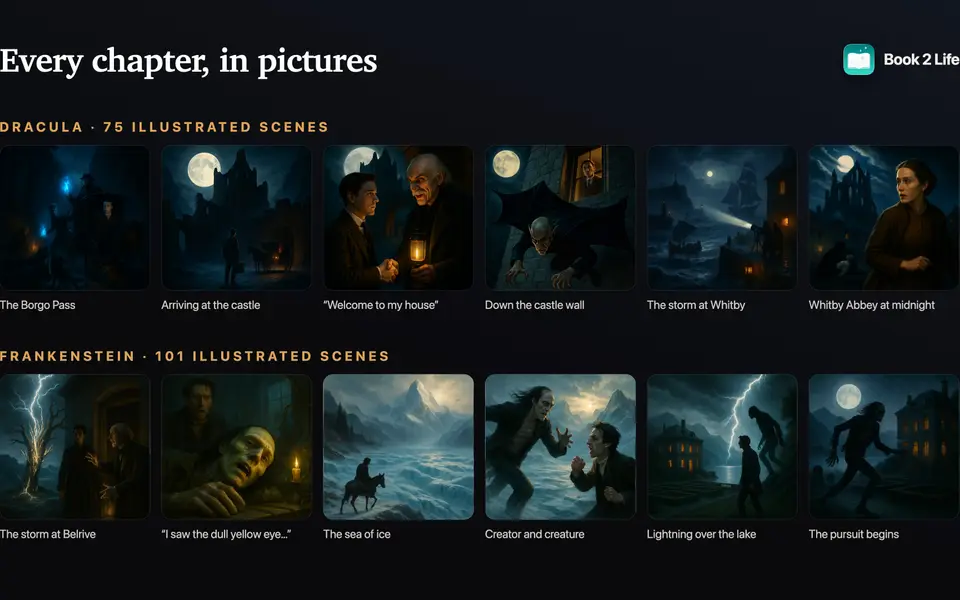
Each chapter gets pictures of its key moments, set beside the passage they come from, and of the places where they happen. Each one stays hidden until you reach it.
Made in the background while you read
Setting shots show the places between the action
Four styles: Realistic, Cartoon, Animated and 3D Animated
Free: a scene and a setting per chapter. Pro: all of them
Off for any book with one switch, synced to your account
Picture it your way
See a character differently? Describe them and Book2Life redraws the portrait, and their scenes follow your version.
Your look is yours alone; other readers keep theirs
Change it again any time
Create a scene
Choose a moment and illustrate it: any passage you select, or one of the scenes suggested from the pages you just read.
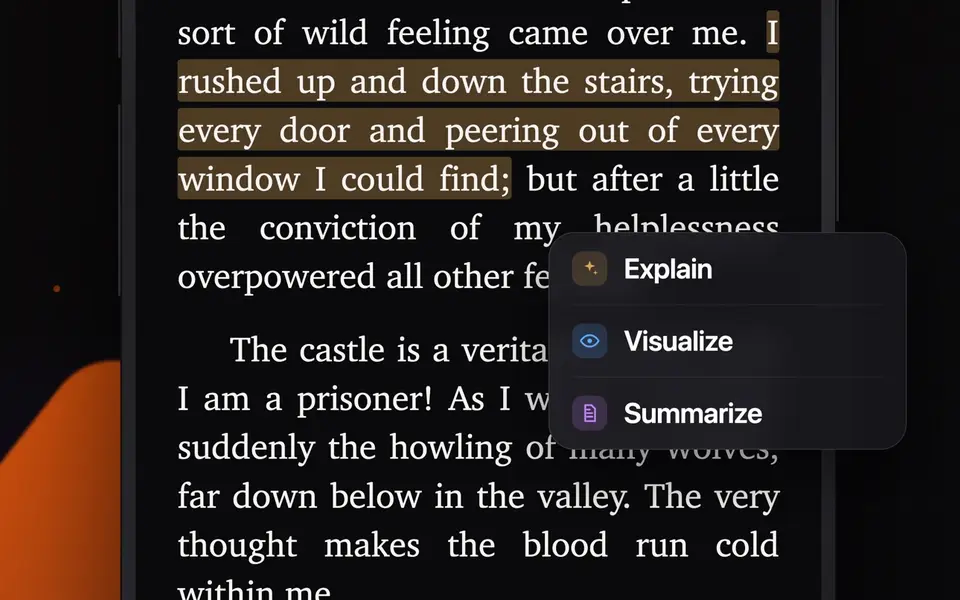
Select text and tap Visualize
Or open Create a Scene from the Genie menu
Image Creator
Pro
Compose your own scene: pick characters from the book, describe the moment, and Book2Life paints it, with ideas drawn from what you've already read.
Save your creations with the book
Add any of them to your profile
Bring your own images
Pro
Have a picture in mind already? Add your own from Photos or Files for a character, a place or an object, and it takes the AI version's place in your book.
Characters, plus a Places & Things tab beside the cast
Swap back to the AI picture any time
Every picture, spoiler-safe
Each book keeps its scenes, settings and your creations in one library, grouped by chapter. Pictures from pages you haven't reached stay behind a curtain.
The book's own illustrations open full screen to zoom and pan
Opening a book, the cover grows to fill the screen and fades into your latest scene
Covers that move
Pro
Turn a book's cover into a short animated loop that plays in your library and in Discover.
Everyone sees animated covers
Pro readers can animate one
Understand it
Put it down for two weeks. Pick it right back up. Help for when a passage loses you, or you've been away long enough to lose the thread.
Ask the Book
Pro
Ask about a character, a plot point or an idea. The answer comes from the pages you've read, never the ones ahead.
Spoiler-safe: it only knows what you've read
Works for fiction and nonfiction
Previously on…
Been away? The book opens with a recap of what you've read, so you pick the thread back up with nothing spoiled.
Shown when you return to a book you've been away from
Earlier recaps stay with the book
Explain a passage
Highlight a passage for a plain-English explanation, a picture of the moment, or a quick recap of what just happened.
Right from the selection menu, without leaving the page
Nonfiction, made memorable
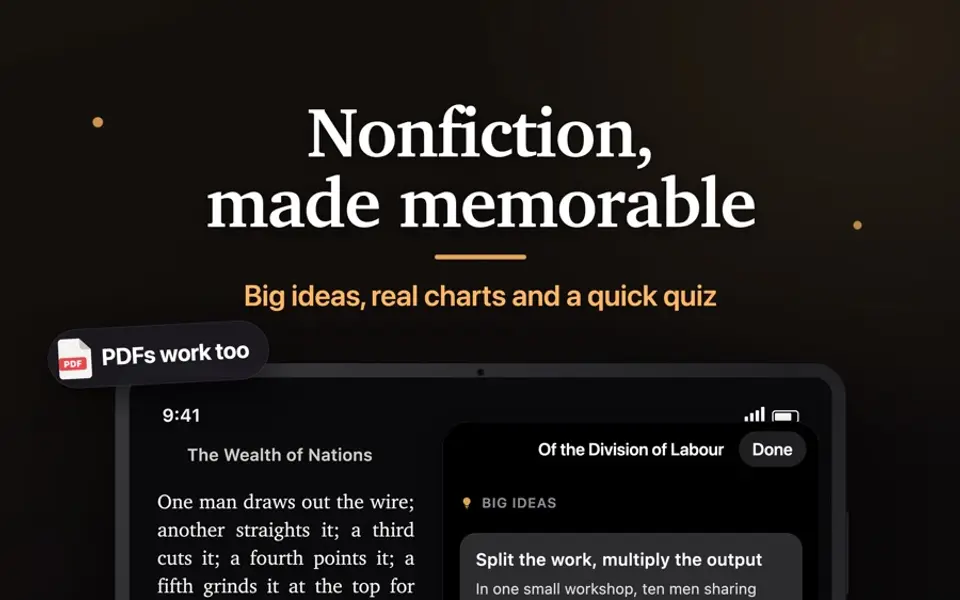
Bring your own EPUB or PDF. Nonfiction chapters get the big ideas, real charts and a quick quiz instead of scene pictures.
Big ideas from every chapter, each backed by a quote you can jump to
Charts drawn only from the numbers in the text
Key figures, concepts, events and places, plus a timeline, that grow as you read
Quiz yourself on a chapter to make it stick
PDFs are converted on your device
Fiction, nonfiction and memoir are told apart automatically
Study guides
Chapter-by-chapter guides and illustrated character pages for the classics.