Built to get you to the last page.
A voice that reads along. A face for every character. A recap when you lose the thread.
Most books get started. Fewer get finished. Book2Life is a reading app built for the second part: a reader that feels like a book, with help for each reason people put one down. Free on iPhone, iPad, Mac, Android and the web.

A real book, with help when you need it
Bringing the book to life is how. The last page is why.
The book
It still feels like a book
Pages that turn like paper. Each page laid out like print, with the pictures set into it. Two facing pages when a tablet turns sideways. Your fonts, spacing and colors. Highlights and notes. The free classics, or your own EPUBs and PDFs.
Hear it
Read with your eyes and ears at once.
A voice reads aloud while each word lights up, so your eyes and ears stay on the same line. It runs on your device, it’s free, and a sleep timer stops it when you drift off.
See it
A face for every name. A picture of every place.
Every character gets a face and every place a picture, and scenes from the chapter appear as you reach them, never before. Switch the pictures off for any book.
Understand it
Put it down for two weeks. Pick it right back up.
Ask the Book answers from the pages you’ve read, never the ones ahead. Highlight a passage for a plain explanation, and come back to a recap of where you were. Nonfiction gets each chapter’s big ideas and a quick quiz.
The pictures are made with AI, and a real illustrator would do better. Their job is to help you keep track of who’s who and where you are. How Book2Life uses AI ›
And when life gets in the way: pages left in the chapter and the book, a calendar of the days you read, Book Lock on iPhone and iPad, and The End page on iPhone.
Start with a classic
 A Tale of Two Cities
 Adventures of Huckleberry Finn
 Alice's Adventures in Wonderland
 Dracula
 Frankenstein
 Great Expectations
 Crime and Punishment
 Don Quixote
 Les Misérables
 Little Women; Or, Meg, Jo, Beth, and Amy
 Jane Eyre: An Autobiography
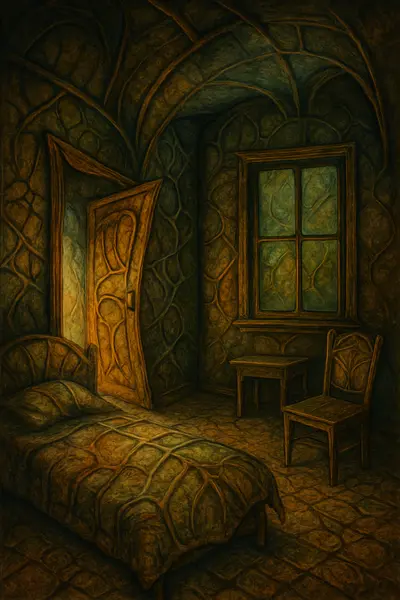 Metamorphosis
 A Room with a View
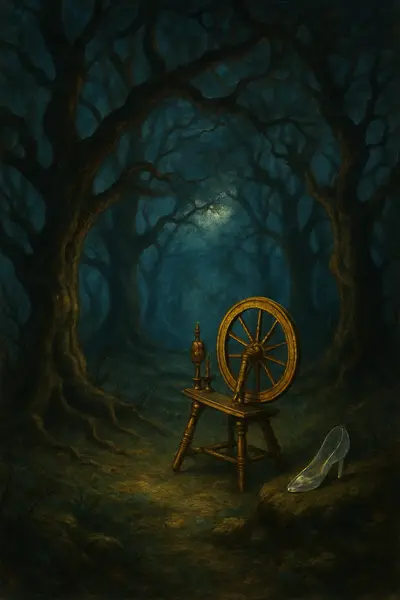 Grimms' Fairy Tales
 A Midsummer Night's Dream
Everything it does
- The book. Pages that turn, A page that suits you, Highlights and notes, Free classics, and your own books, iPhone, iPad, Mac, Android and the web.
- Hear it. A voice that reads along.
- See it. A face for every name, Every chapter, illustrated, Picture it your way, Create a scene, Image Creator, Bring your own images, Every picture, spoiler-safe, Covers that move.
- Understand it. Ask the Book, Previously on…, Explain a passage, Nonfiction, made memorable, Study guides.
- When life gets in the way. Time left, Streaks, a calendar and reminders, Reading analytics, Book Lock, The End.
- Share it. Your reader profile, Finished-book stickers, Find Readers, Redeem a gift.
Frequently asked questions
What is Book2Life?
Book2Life is an ebook reader built to get you to the last page. A natural voice reads aloud as each word lights up, characters and places get a picture as you meet them, and Ask the Book answers from the pages you’ve read, never the ones ahead. Free public-domain classics are built in. It runs on iPhone, iPad, Mac, Android and the web, with your library and progress synced between them.
Is Book2Life free?
Yes. Book2Life is free to download, the classics are free to read, and narration is free. An optional Pro subscription adds every chapter illustrated, Ask the Book, unlimited recaps and explanations, unlimited books from the catalog, and importing your own books.
Can Book2Life read books aloud to my kids?
Yes. Book2Life reads any book aloud with each word highlighted as it is spoken, and pictures appear in the chapter as the story goes, which helps young listeners follow along. Classics like Alice’s Adventures in Wonderland, Peter Pan, The Wonderful Wizard of Oz, Treasure Island and The Secret Garden are free to read. Book2Life is for readers 13 and older, so a parent holds the account and reads along with the child.
What app shows pictures of the scenes as you read?
Book2Life places illustrations of the key moments of each chapter beside the passage they come from, plus setting shots of the places and portraits of the characters drawn from the author’s own descriptions. It helps readers who find it hard to picture what they read, including people with aphantasia.
Which platforms does Book2Life support?
iPhone, iPad and Mac through the App Store, Android phones and tablets through Google Play, and any modern browser at book2.life with no install needed.
Can I read my own books in Book2Life?
Yes, with Pro: import any EPUB that isn’t copy-protected, and PDFs on iPhone and iPad.
What is Ask the Book?
Ask the Book answers questions about the book you are reading, using only the pages you have already read, so the answer never spoils what happens next.
See all features · Guides · Our approach to AI · For authors · Privacy Policy · Terms of Use