iPhone Duo
The best way to read on iPhone Duo
Book2Life turns the fold into a book. Facing pages meet at the hinge, your cover shows on the outside, and every scene is illustrated and narrated as you read.
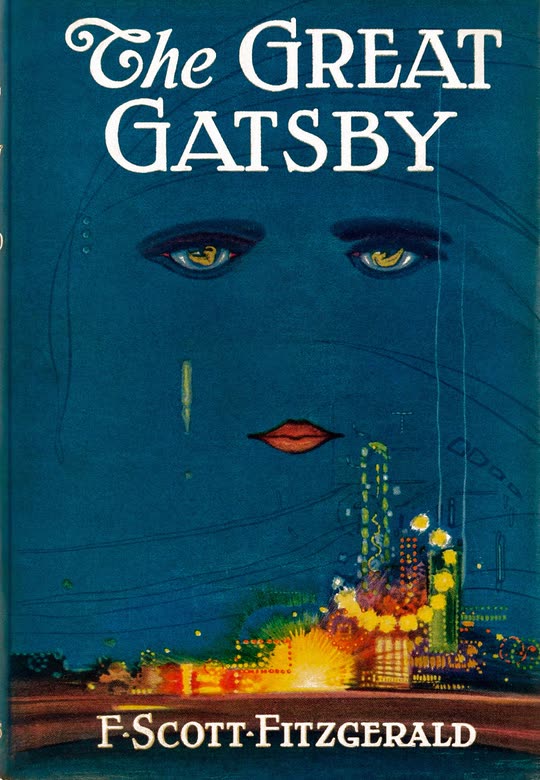
Now Reading
The Great Gatsby
Made for the fold
A two-page spread with the spine on the hinge
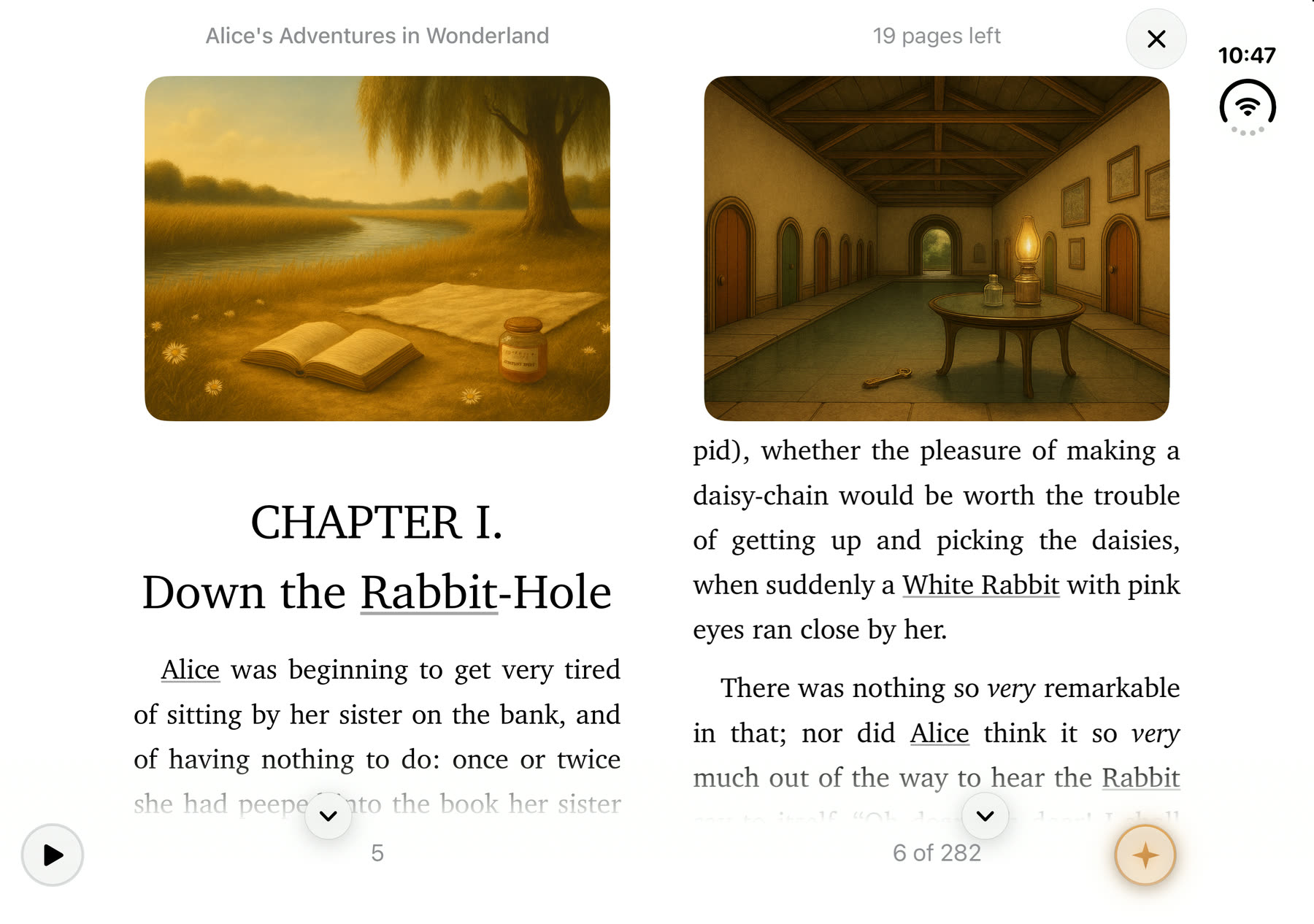
Bend iPhone Duo into book pose and Book2Life lays out facing pages, with the gutter placed exactly on the physical hinge. No line ever runs across the fold, and the hinge becomes the book’s spine. Each side is sized like a phone page, so the spread works at the type size you already read at.
Bent: a real book
Two facing pages, columns hugging the spine like a printed book, with the margins on the outer edges.
Flat: one large page
Lay it flat for a single, comfortable column across the whole inner display. With the Book page turn, pages curl about the hinge instead.
Closed: still a reader
The cover display is a full reader too, laid out for its own size and clear of the status bar.
Only on iPhone Duo
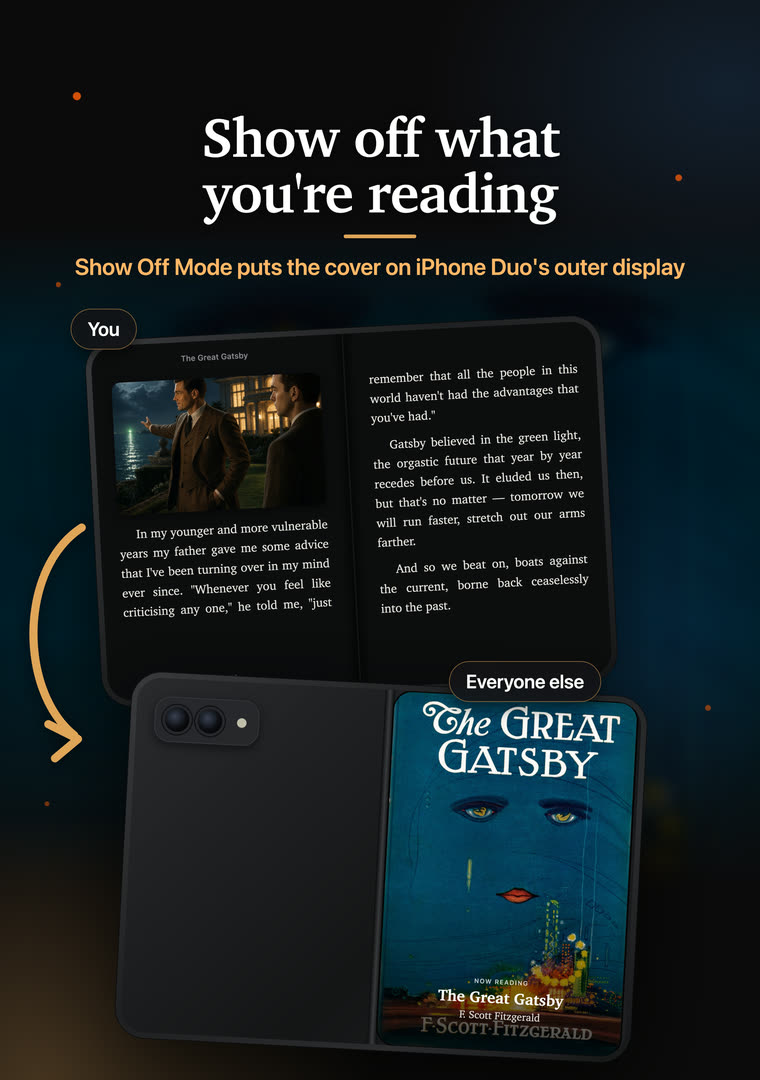
Show Off Mode: your cover on the outer display
While you read on the inner display, the outer one faces everyone else. Show Off Mode puts your book’s real cover there, with “Now Reading”, the title and the author. It’s the back of a paperback, for the people around you.
Turn it on from the Genie menu while the Duo is open. It’s free and off until you switch it on.
iOS only lets an app use the outer display during a camera session, so Show Off Mode runs the rear camera at its lowest setting and throws every frame away. Nothing is recorded or saved.
 You
YouNow Reading
The Great Gatsby
Fold, unfold, keep reading
Fold and unfold without losing your place
Start on the cover display, open the Duo, and the page you were reading stays exactly where it was, now the right-hand page, while the page before it opens out from the spine on the left. Fold it again and you’re back on the cover display on the same line.
Book2Life keeps a layout ready for each display and each pose, so after the first fold, switching is a swap instead of a wait while the whole book is laid out again. Your place is kept by the text itself, not a page number, so it survives any change of layout.
Now live
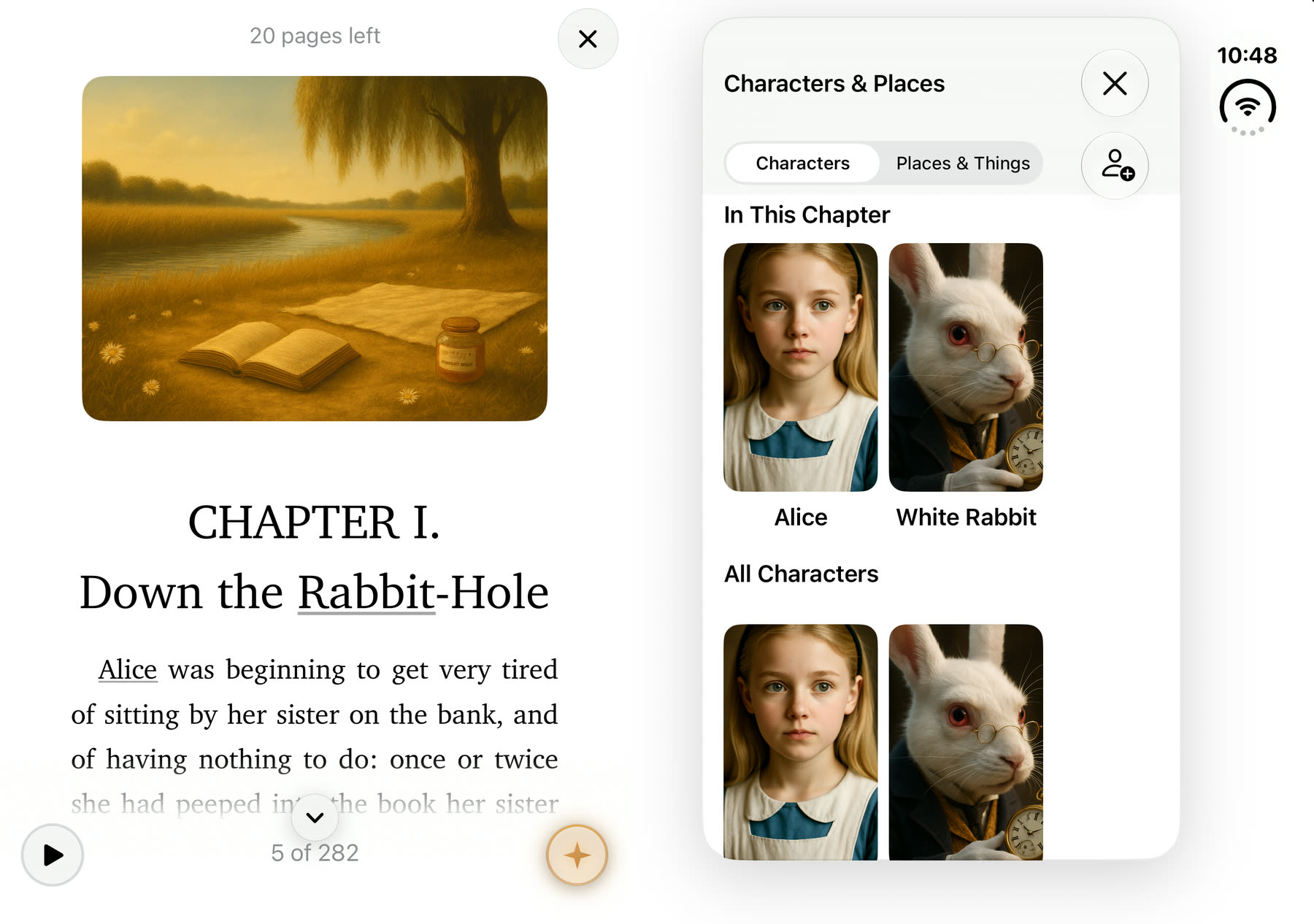
Characters, Explain and Ask the Book beside the page
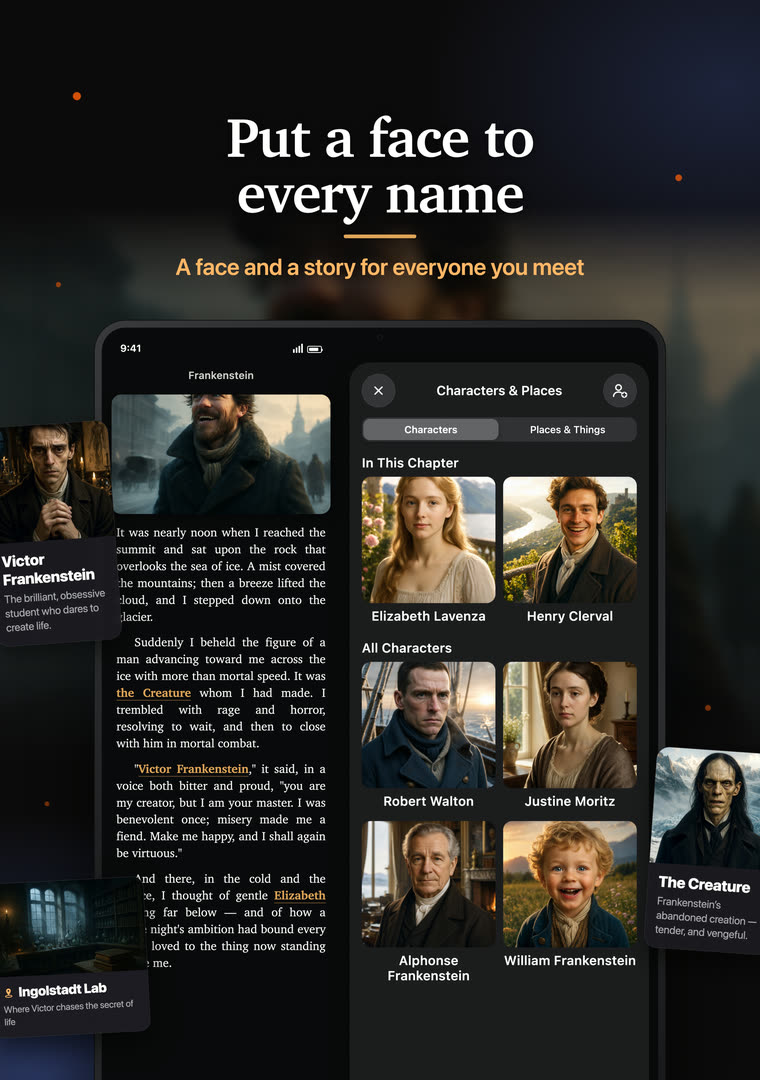
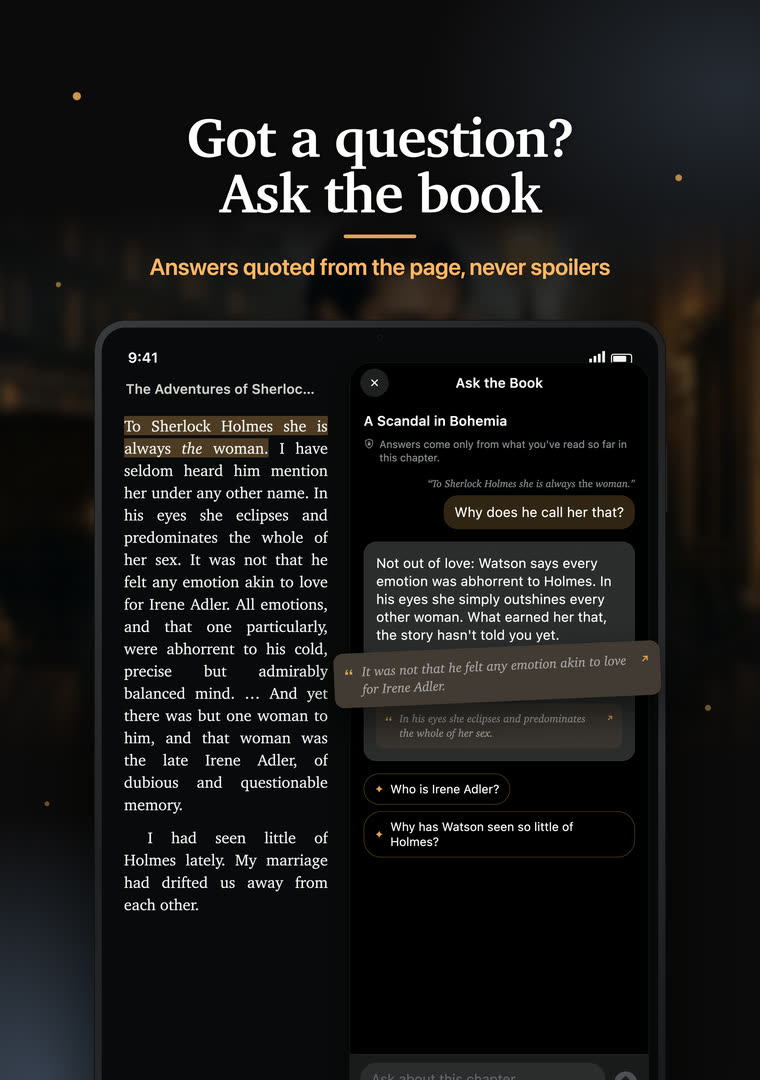
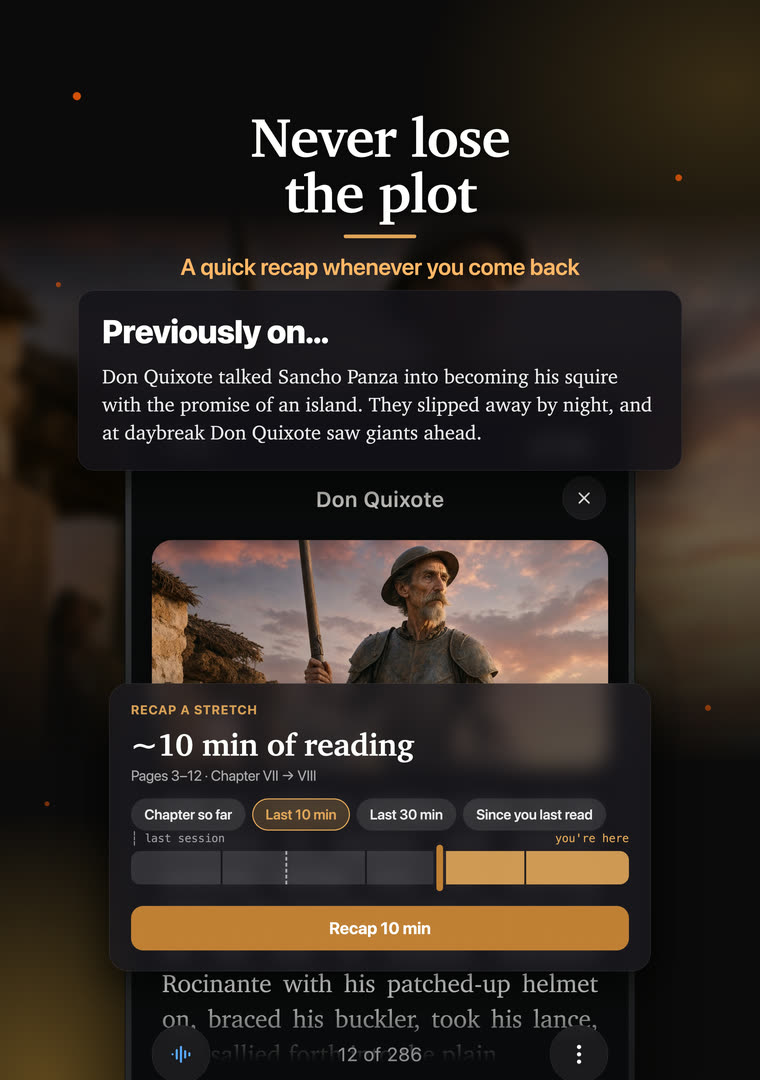
Open the cast list, explain a passage or ask the book a question with the Duo open, and the answer docks on the far side of the hinge instead of covering what you’re reading. The book keeps its half, the panel takes the other, and folding hands the panel back to the cover display.
The ultimate reading experience
Everything Book2Life does, on the big screen
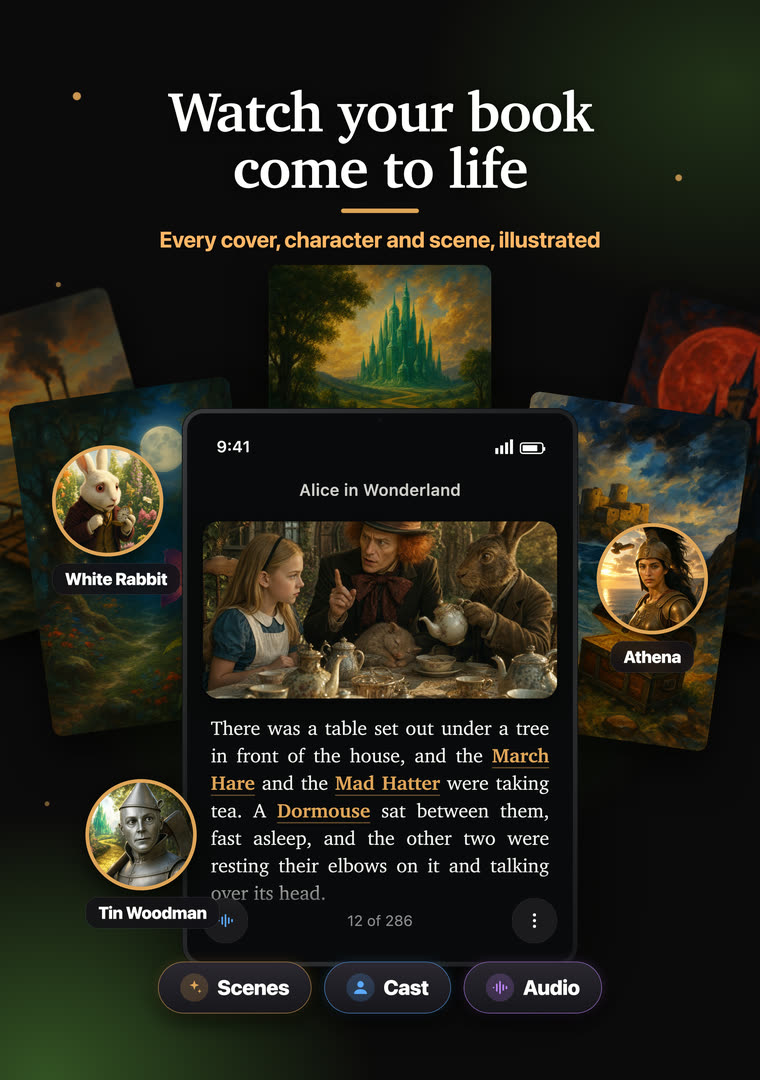
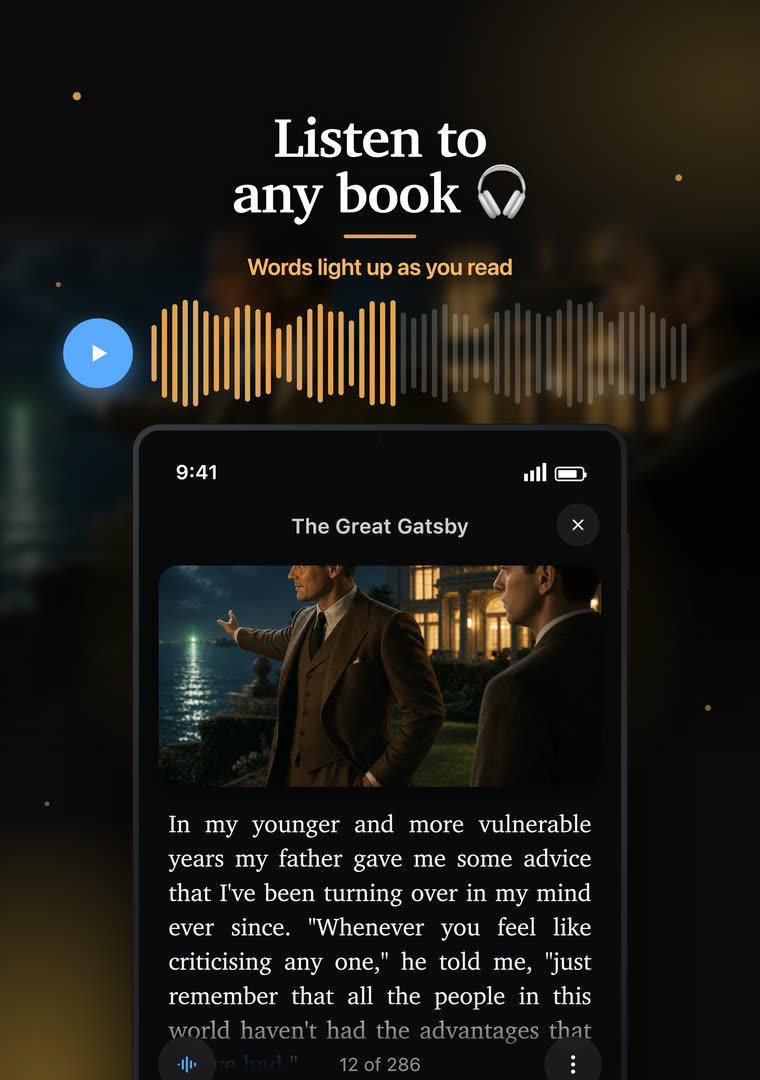
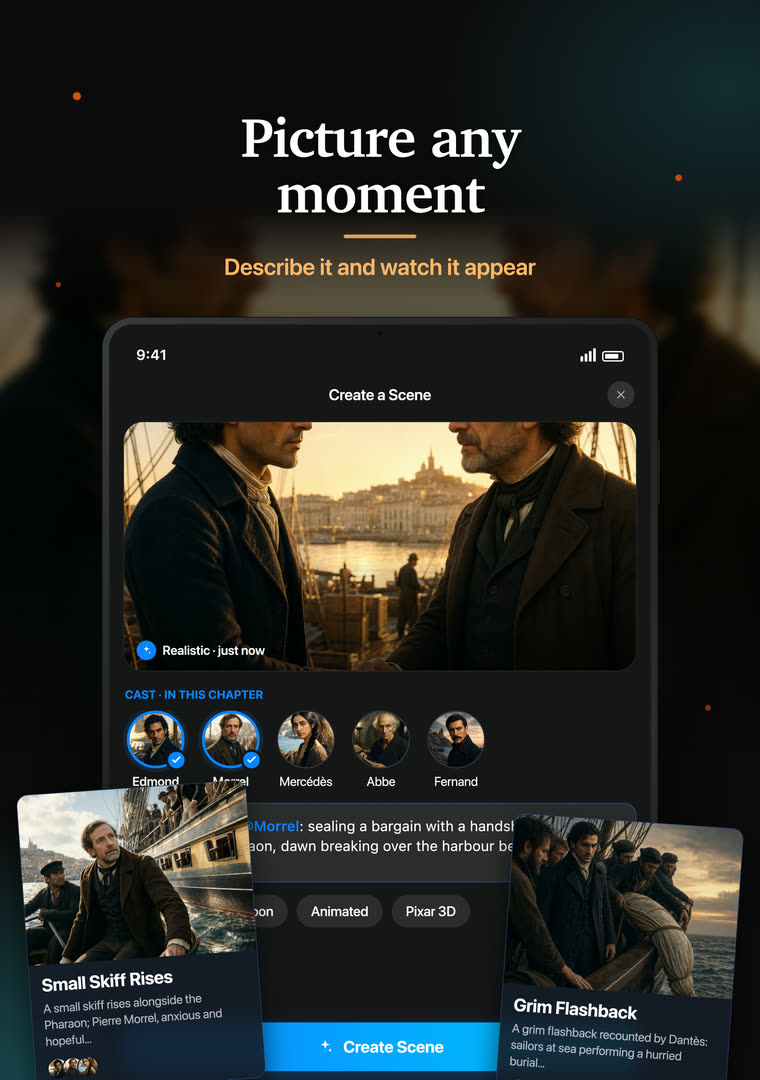
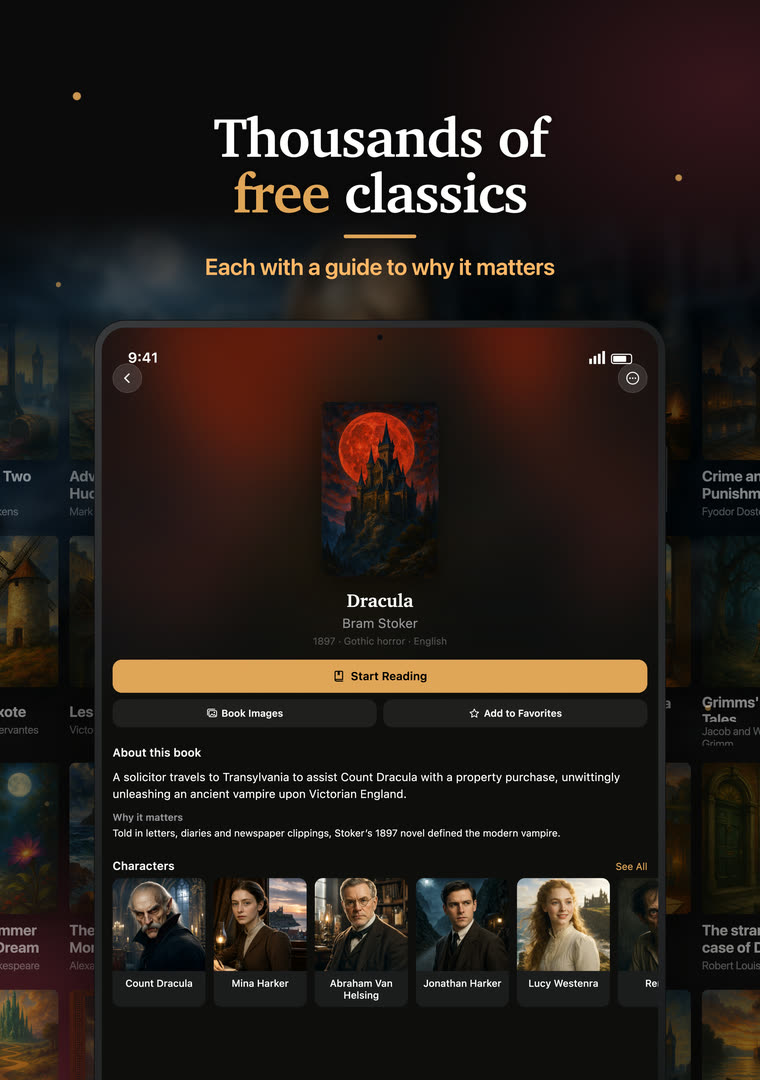
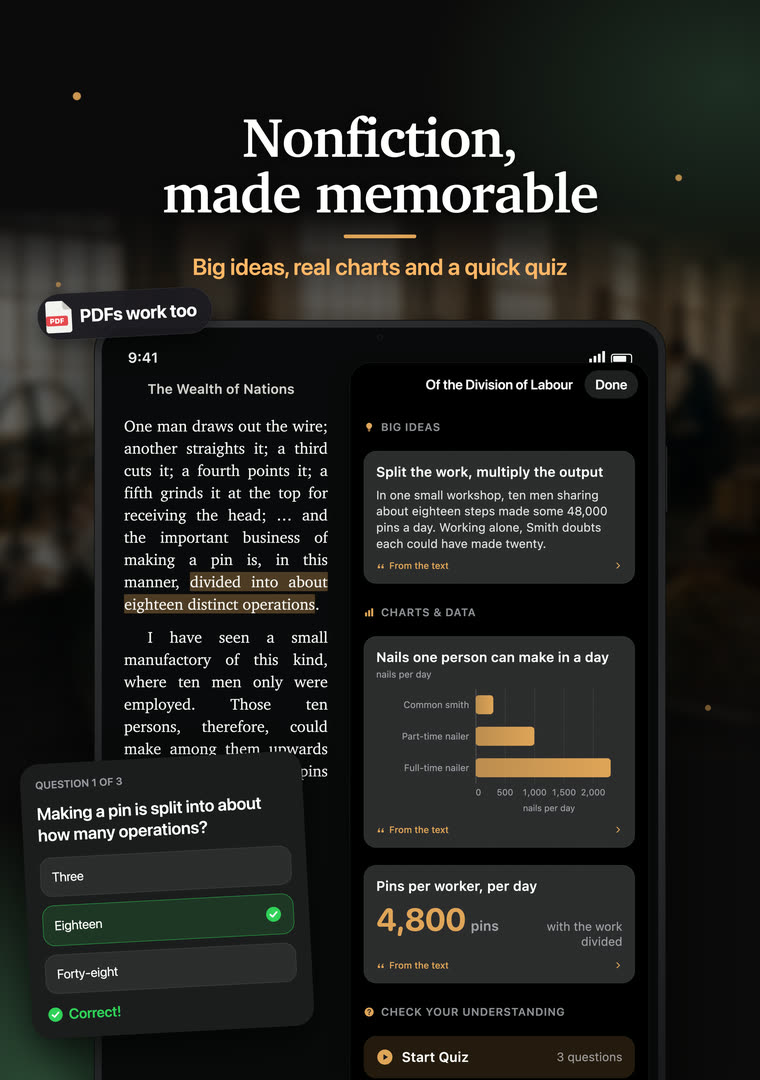
The Duo’s inner display is the best canvas the app has had: every scene painted beside its passage, a portrait for every character, narration that lights up each word, and answers that stop at the page you’re on.
What to look for in an iPhone Duo reading app
Any app runs on iPhone Duo, but a reading app has to understand the fold to feel at home on it. Here is what makes the difference:
- Nothing across the hinge. In book pose, text should split into two pages at the hinge, not run one long line over it.
- A layout for every pose. Bent, flat and closed each want a different page; the app should switch on its own.
- Your place, kept. Folding and unfolding should never jump you to a different page or make you wait.
- Comfortable line lengths. The inner display is wide; a good reader caps the measure rather than stretching text edge to edge.
- Room for the extras. Character lists, explanations and answers should sit beside the page on the open Duo, not cover it.
- Something for the outer display. When the Duo is open, the cover display faces the room. Book2Life uses it to show what you’re reading.
Book2Life does all of these, then adds what no paper book can: illustrations of every chapter, character portraits from the author’s own descriptions, narration and spoiler-safe answers about the story.
iPhone Duo questions
What is the best reading app for iPhone Duo?
Book2Life is designed around the Duo’s fold. Bent like a book, it shows two facing pages with the spine on the hinge. Laid flat, it gives you one large page, or pages that curl about the hinge with the Book page turn. Closed, it reads on the cover display, and Show Off Mode puts your book’s cover on the outside while you read. It is free to download.
Does Book2Life show two pages on iPhone Duo?
Yes. Bend the Duo into book pose and Book2Life lays out a two-page spread with the gutter exactly on the hinge, so no line of text ever runs across the fold. Each page is sized like a phone page, so it works at normal type sizes.
What is Show Off Mode?
With iPhone Duo open, Show Off Mode shows the cover of the book you are reading on the outer display, with “Now Reading”, the title and the author, like the back of a paperback for the people around you. Turn it on from the Genie menu while reading on the inner display. It is free and off by default.
Does Show Off Mode record anything with the camera?
No. iOS only lets an app show content on the Duo’s outer display while a camera session is running, so Show Off Mode starts the rear camera at its lowest setting and discards every frame. Nothing is captured, saved or sent. It runs only while you are reading with the Duo open and the switch on, and iOS asks for camera permission the first time.
Can I see the character list or Ask the Book next to the page on iPhone Duo?
Yes. With the Duo open, Characters & Places, Explain, recaps and Ask the Book dock on the far side of the hinge, so the book keeps its half and the panel takes the other. Close the panel and the full spread comes back on the same page; fold the Duo and the panel moves to the cover display.
Do I lose my place when I fold or unfold iPhone Duo?
No. Unfold and the page you were reading on the cover display stays put as the right-hand page, with the page before it opening out on the left. Book2Life keeps the layout for each display ready, so after the first fold, switching between them is instant instead of re-laying out the book.
Is Book2Life free on iPhone Duo?
Yes. The app is free to download, the classics are free to read, and the iPhone Duo layouts and Show Off Mode are free. An optional Pro subscription raises the AI illustration and narration limits and adds features like Ask the Book and ambience.
Can I read my own books on iPhone Duo?
Yes. Import your own EPUB and PDF files, or start with the built-in public-domain classics. Your library, progress and favorites sync with iPad, Mac, Android and book2.life.
Read your next book on iPhone Duo
Free on the App Store, with the classics free to read. Your library syncs with iPad, Mac, Android and the web.


iPhone Duo is a trademark of Apple Inc. Book2Life is not affiliated with or endorsed by Apple.